Groups and five split types
Share costs with housemates, friends and trips, and pick the split that matches what actually happened.
Download, it’s free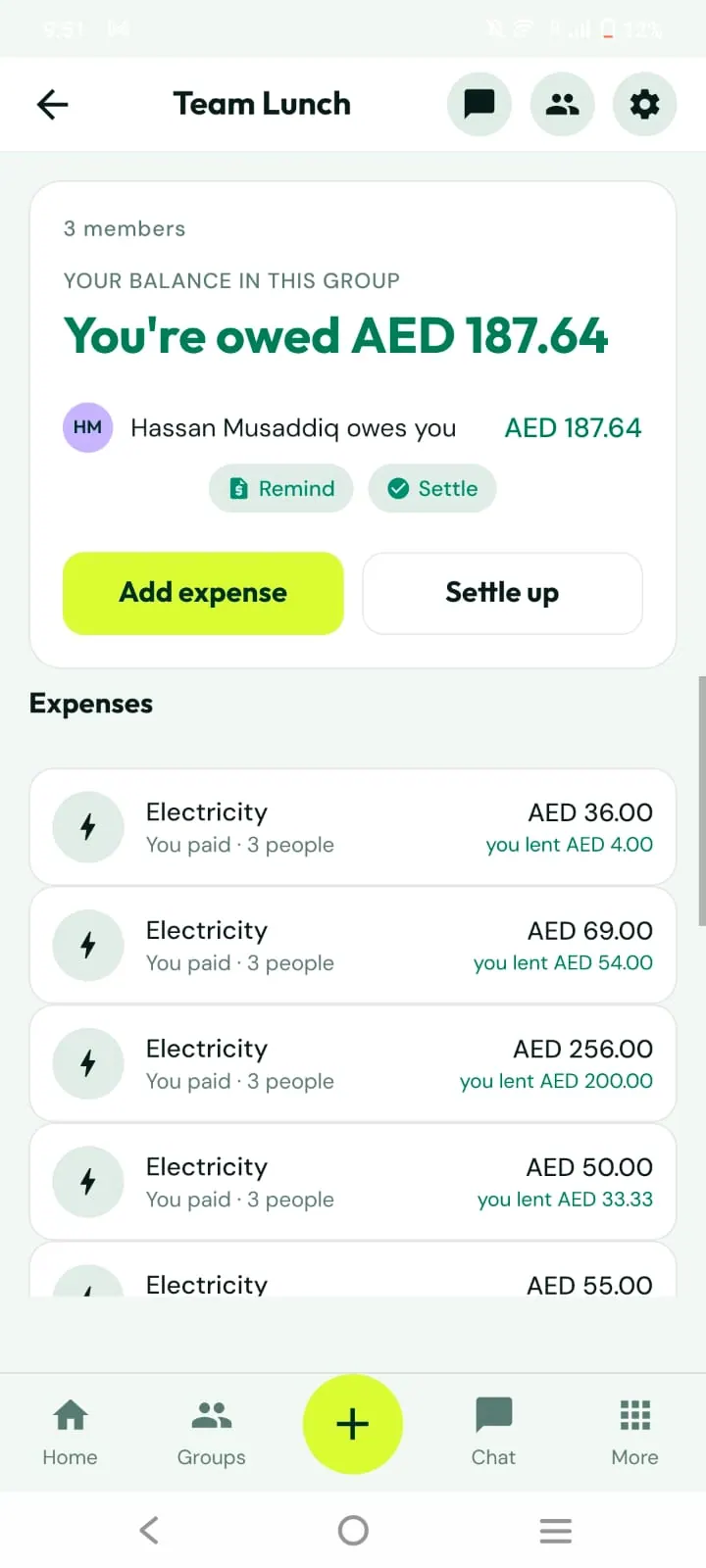
What you can do
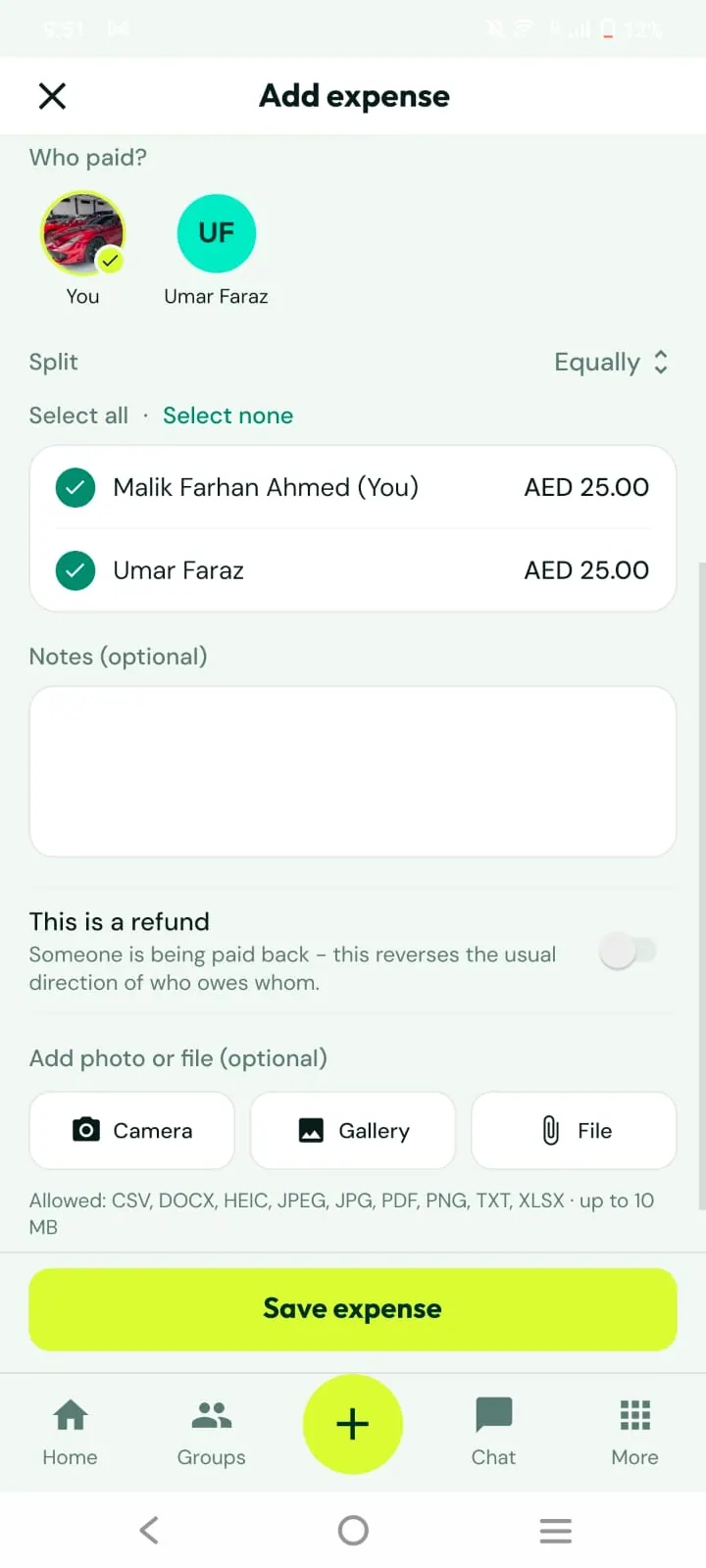
Equally, as amounts, by percentage, as parts, or with adjustments
Member balances with Remind and Settle
Invite by code, link, QR or email
Add people who are not on the app as guests
Closing mode hides Settle up until everyone has added expenses
How it works
1
Create a group
Name it and invite people.
2
Add expenses
Choose who paid and how it is split.
3
Settle up
Record the payment when it happens.
Good to know
Balances are kept per currency.
Group admins can rename the group, change settings and manage roles.